
How to Search Cases by Name
Begin with the county’s Electronic Court Offerings page. Pick the local Odyssey Public Access route there. This is the county’s deepest source. It covers party details, calendars, registers of actions, judgments, and orders. Keep it separate from ResearchGA and eFileGA, which serve different purposes. Expect registration before Smart Search opens the full fields.
- Identify the court and likely case type before opening the portal.
- Register if the portal requires it, then use the Smart Search name order shown by the court.
- Enter a last-name wildcard and first-name wildcard, using generic spelling variants when needed.
- Compare court, filing year, case type, and case number before opening a match.
- Read the register of actions and confirm critical facts with the clerk.
| Search item | Known status | Use |
|---|---|---|
| Party name | Confirmed | Magistrate instructions give wildcard Smart Search guidance. |
| Case number | Expected, not live-confirmed | Best identifier when the full court format is known. |
| Court or case type | Not live-confirmed | Would narrow Superior, State, or supported records. |
| Date range | Not live-confirmed | May narrow filing dates if the current form offers it. |
A shared last name proves nothing. Before relying on any match, weigh several non-sensitive fields together, or let the clerk confirm the record you actually need.
Lowndes Odyssey Access Gate
The official local link goes to Odyssey Public Access, also called Court Records Inquiry. Visitors can hit a redirect or a protection gate before any search form loads. That says nothing about whether the service works in a normal browser. The county Magistrate page says a user must register a name or business. An account step may come first because of that. To see the current path, open the Lowndes Odyssey source yourself.
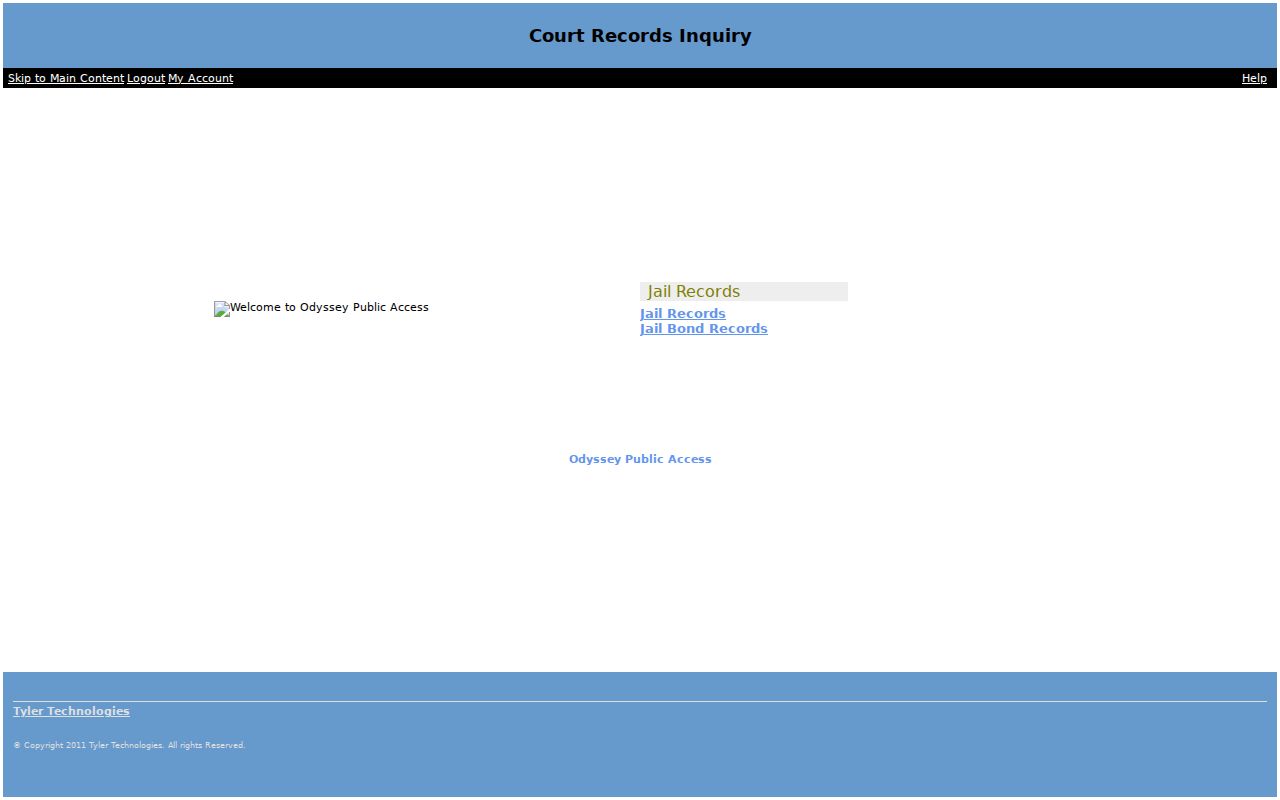
The portal route is real. It does not promise guest access, free document images, export tools, or filters no one has checked. Never enter another person’s private identifiers just to test it.
How to Search by Case Number
One case number beats a name search, because it aims at a single court file. Copy every character from a notice, pleading, citation, order, or earlier docket entry. That means the court prefix, the year, the punctuation, and any leading zeroes. Lowndes County does not publish one universal public format across its courts, so treat a pattern like COURT-YEAR-SEQUENCE as an illustration, not an official local code.
If the search fails, ask which court owns the case: Superior, State, Magistrate, Probate, Juvenile, a city court, or federal court. Try the county-linked civil information path next. Then call the right clerk and ask how that office wants the number entered. Superior and State questions go to 229-333-5127. Magistrate uses 229-671-2610, Probate 229-671-2650, and Juvenile 229-333-7627. When you call, keep the failed entry and its error message handy.
Lowndes Civil Information Portal
Lowndes County also links an “Access to Civil Information” path from its court pages. Its landing screen may not match the older Public Access URL. That matters for Superior civil, State civil, and Magistrate research, since a login or access notice can appear before the search does. The official Lowndes civil-information portal shows that landing page.
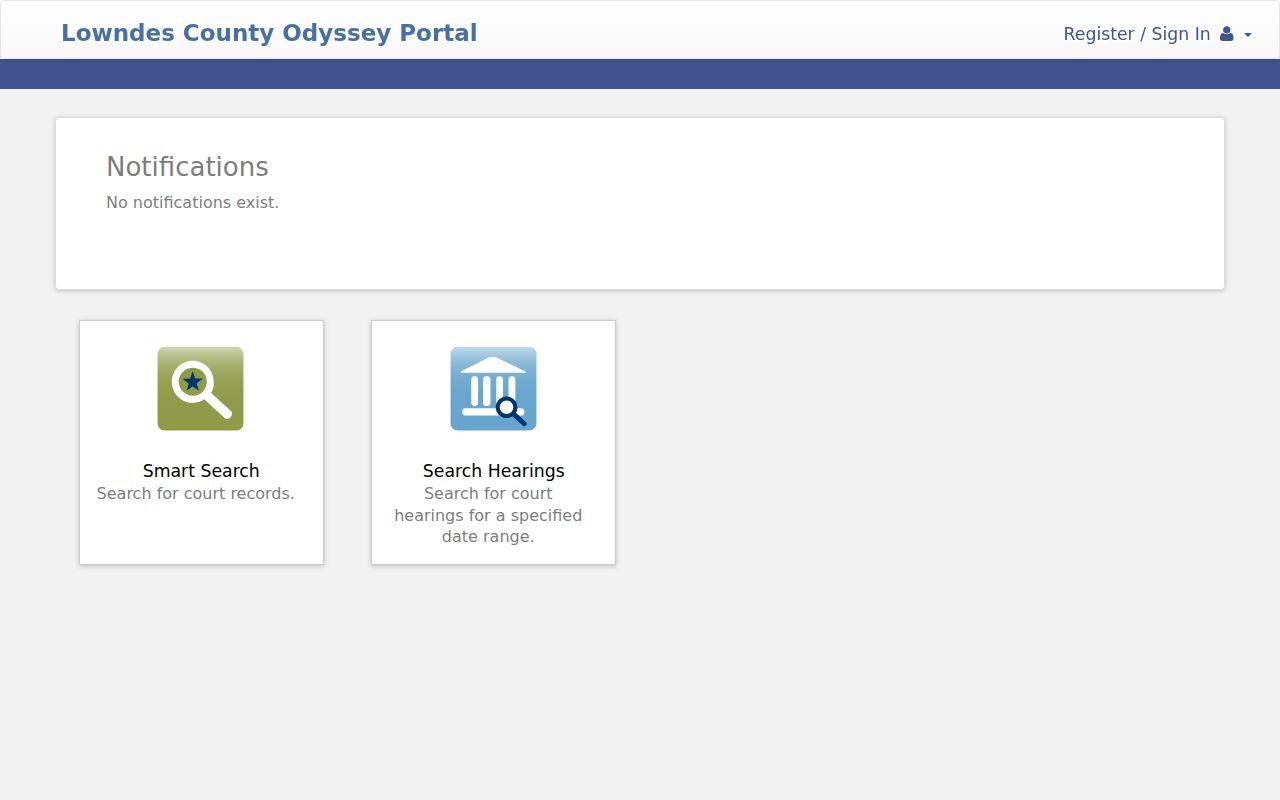
The page proves the county-linked route exists. It does not prove the depth of every result. A Magistrate case may still need that court’s own instructions and wildcard format, and older or non-digitized items may require a trip to the counter or a written request.
What a Case Search Shows
The county names several products, and they should not blur together. A case search may return only an index entry. A register of actions is the dated history of filings and events. A calendar, by contrast, lists planned events. A document image is the pleading or order itself. A payment record shows a transaction, though it may not prove the case is resolved.
| Case number | The court identifier; retain its prefix, punctuation, and zeroes. |
|---|---|
| Case type | Superior criminal, State civil, domestic, Magistrate, or another court class. |
| Filed date | The date the matter or filing reached court, not the event date. |
| Party and role | A person or entity and its role, such as plaintiff or defendant. |
| Register entry | A dated filing, service, motion, order, judgment, or setting. |
| Status or disposition | A portal label that should be checked against the final signed record. |
Read entries with care. A motion is a request, not a ruling. A calendar listing shows a scheduled event, not an outcome. When the filed paper itself matters, ask the clerk for a plain or certified copy instead of trusting a result row.
ResearchGA Broadens Lowndes Lookup
ResearchGA is Tyler’s broader Georgia case-information service, and Lowndes County names it directly. Georgia Courts sends e-access users to provider systems. It also warns that an account may be required. The service helps when the county is uncertain. It also helps when the case may sit in another participating Georgia court. Do not expect an anonymous, complete, free document repository. The official Georgia e-access source explains the provider and account model, so read it before signing up.
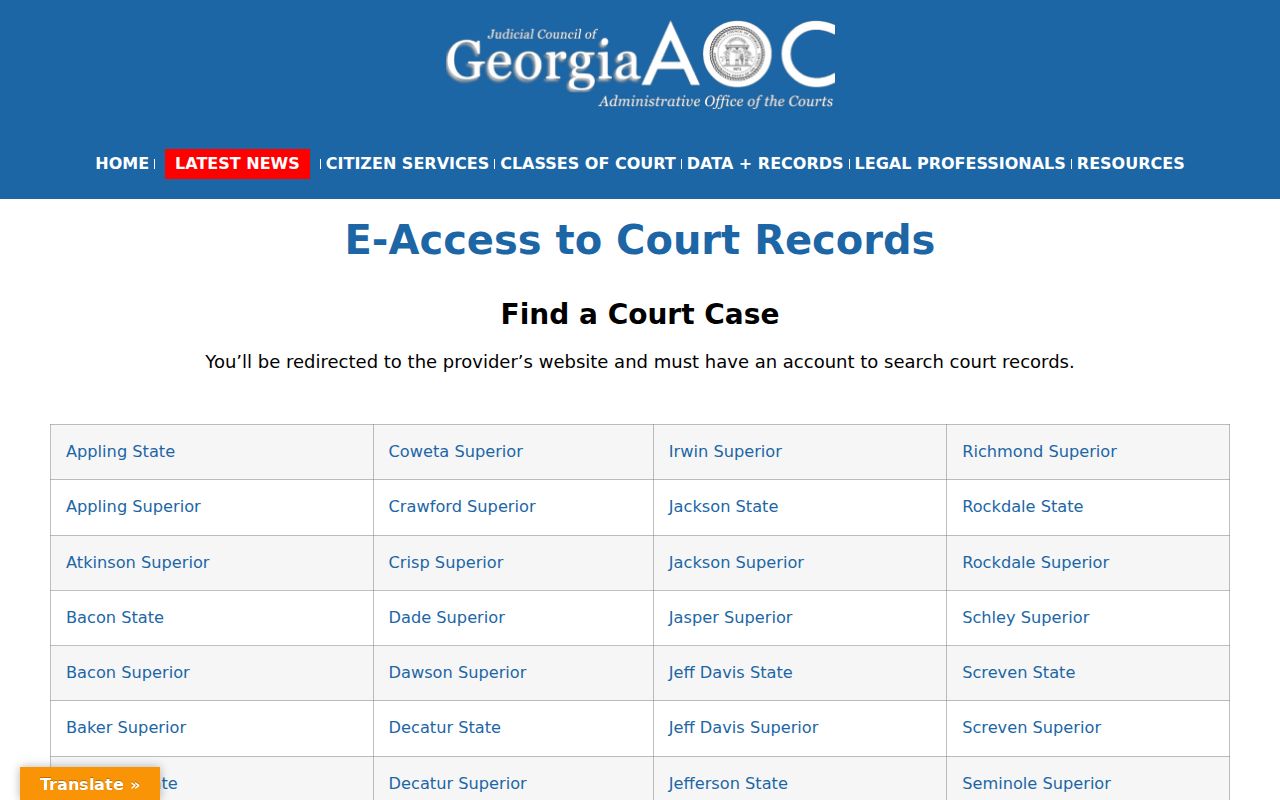
Use the statewide layer for broad discovery. For the fullest Lowndes County register and any certified record, come back to the local portal and the clerk who keeps the file.
County vs Statewide Case Search
These two channels answer different questions. The local route fits a case known to sit in Lowndes County. Use it when you want a detailed register or calendar. ResearchGA fits uncertain venue or discovery spanning participating Georgia courts. Neither one covers everything. A city, juvenile, probate, or federal case falls outside both. That case still needs its own channel.
| ResearchGA | Lowndes Odyssey |
|---|---|
| Broader participating Georgia coverage | Local Superior, State, and supported county depth |
| Account or provider access model | Registration indicated in Magistrate instructions |
| Best for uncertain county discovery | Best for a known Lowndes file |
| Coverage and images may vary | Exact live filters and image access remain unconfirmed |
eFileGA is neither search product. It is the filing system for submitting documents. Access to file does not grant public viewing rights, and a filed image does not appear instantly.
Lowndes Search Fallback Chain
Spelling trips up more searches than anything else. Do not give up on a Lowndes County docket search right away. Try hyphens, apostrophes, former names, a different filing year, and the other court division. Then change channels. The Superior and State clerk can work with those court files. Reach that office by phone or in person at 327 North Ashley Street. Magistrate, Probate, Juvenile, and each city court keep their own records. A case missing from one office may sit in another. Ask the clerk whether a public terminal at the courthouse exists. Ask whether it shows document images or index data only.
A written or mailed request works when you want a specific docket entry, a plain copy, or a certified copy. Name the court, the case number, a party, the date range, and the document you need. One trap to avoid. Do not send a court-record request to the County Clerk just because the county posts an Open Records Act form. Georgia courts do not answer to that agency process. Court records can still be public under court law and rules. Start with the clerk of the court where the case belongs.
Restricted Cases and Access Rules
Some files will never show up in an ordinary search. Juvenile records are closed to the public. Sealed or restricted Superior and State files may display only limited data or nothing at all. Probate works differently depending on the case type. Estate searches have an official form. Guardianship, conservatorship, commitment, and protected personal information get special handling. Even when a domestic index is public, the underlying file may hold sensitive material.
For Superior Court, Uniform Superior Court Rule 21 governs public access and restriction. Rule 21.6 covers redaction of protected identifiers. A clerk cannot pull a public record on an informal request. Public access never allows republication of Social Security numbers, full birth dates, account data, medical facts, or home addresses. When access is limited, ask the clerk about the current procedure.
Blank Lowndes Search Results
A blank screen is not a verdict. The case may live in another court. It could sit in a city court, a federal district, or an older archive. It may not be indexed yet, carry a different spelling, or be restricted from view. A fresh traffic citation also takes time to appear. Search the issuing court and case number first, then call the right office.
Federal matters serving Lowndes County run through PACER and the PACER Case Locator. They do not run through Odyssey or ResearchGA. The official PACER Case Locator source shows the locator's blank search interface.
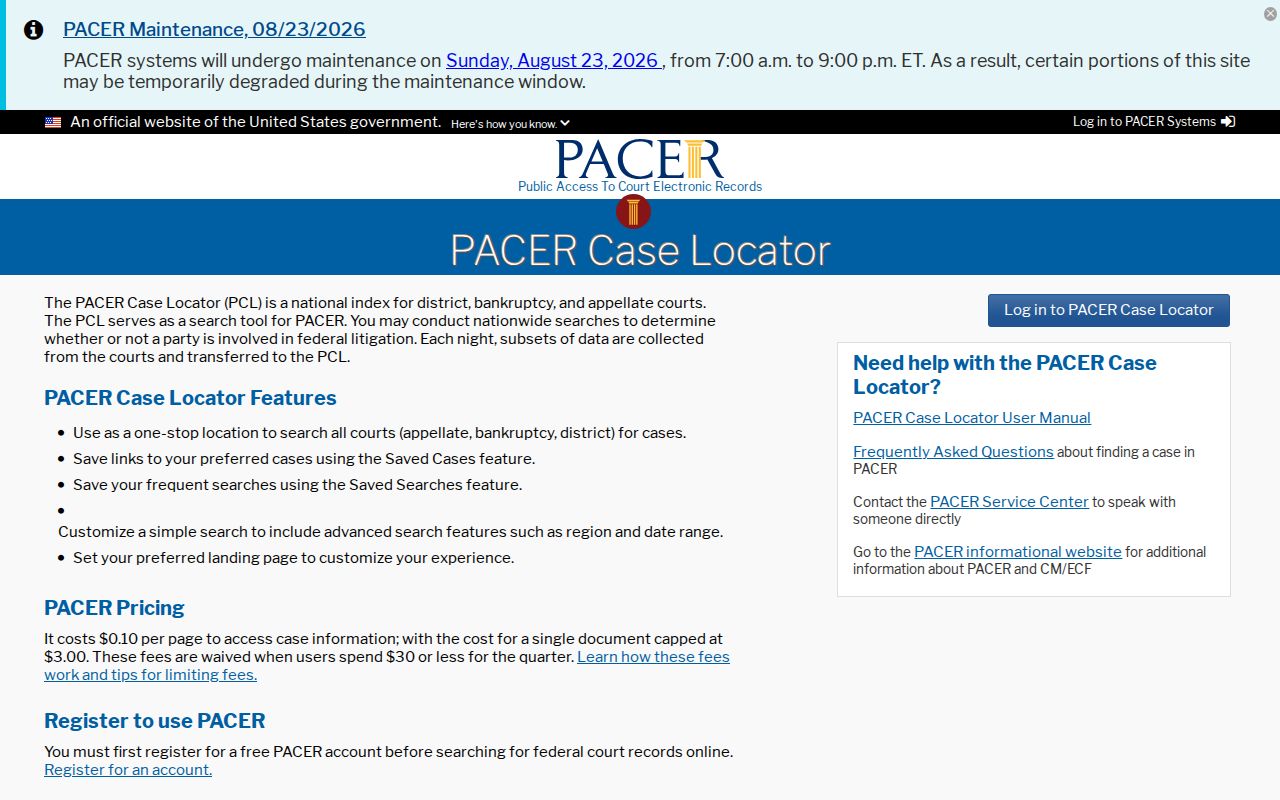
That federal page belongs to a separate jurisdiction. Use it only when the matter sits in federal court, including the Middle District of Georgia. It is no substitute for a Lowndes County docket.
Blank result: Confirm the court, spelling, year, and number, then ask the relevant clerk whether a public index or certified availability response exists.
Verify a Lowndes Case Lookup
Checking what you found matters as much as finding it. For a current hearing, compare the register entry with the official Lowndes County court dates source. Check the latest notice too. For an outcome, rely on the signed judgment, order, or certified disposition rather than a calendar line. For a filed document, ask a simple question. Does the public portal supply an image, or do you need a clerk copy?
Keep a short search log listing the portal, date, court, exact case number, and result. That log helps a clerk tell whether the problem is spelling, venue, access, or indexing. It also preserves the line between an online clue and an authenticated court record. Always confirm critical facts with the originating Lowndes County court or clerk.